Catch a project going over
You learn a project is going over in the week it starts to slip, while capping or re-pricing it is still a decision you can make.
- Step 01
Give the project a fee and a rate card
Set the fee and the cost and bill rates by role. In , each logged hour is priced at the rate in effect that day and netted against the fee, so the margin is right from the first hour.
Example data 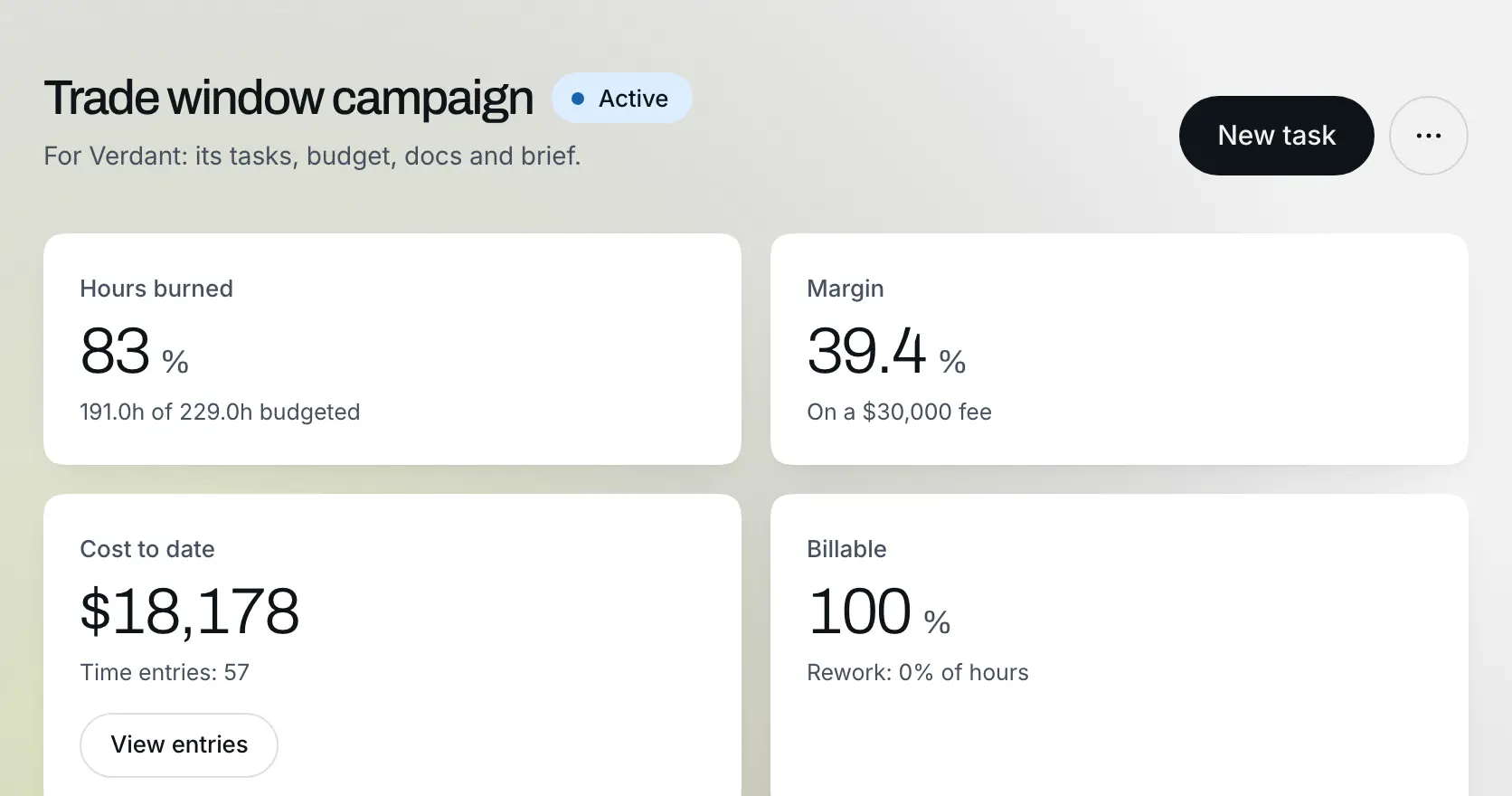
- Step 02
Read the projects list
Every active project shows its health, hours used, fee and due date, and the portfolio margin sits above the list. A project sliding toward zero asks for a decision, not a status update.
Example data 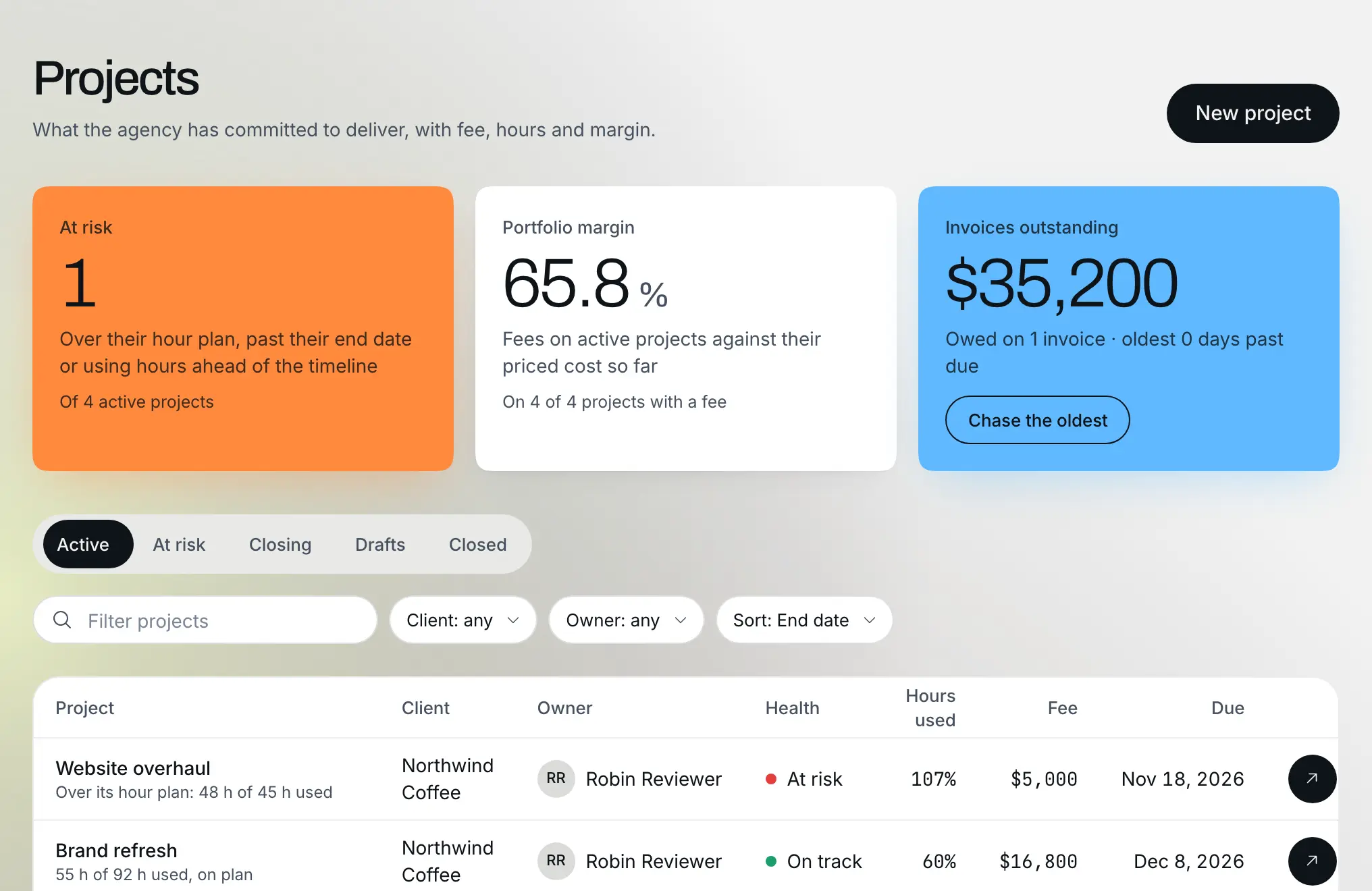
- Step 03
The flag arrives the week it slips
When a project's hours burn faster than its timeline allows, marks it at risk and the overnight check puts it under Worth a look on Today, with the numbers behind it.
Example data 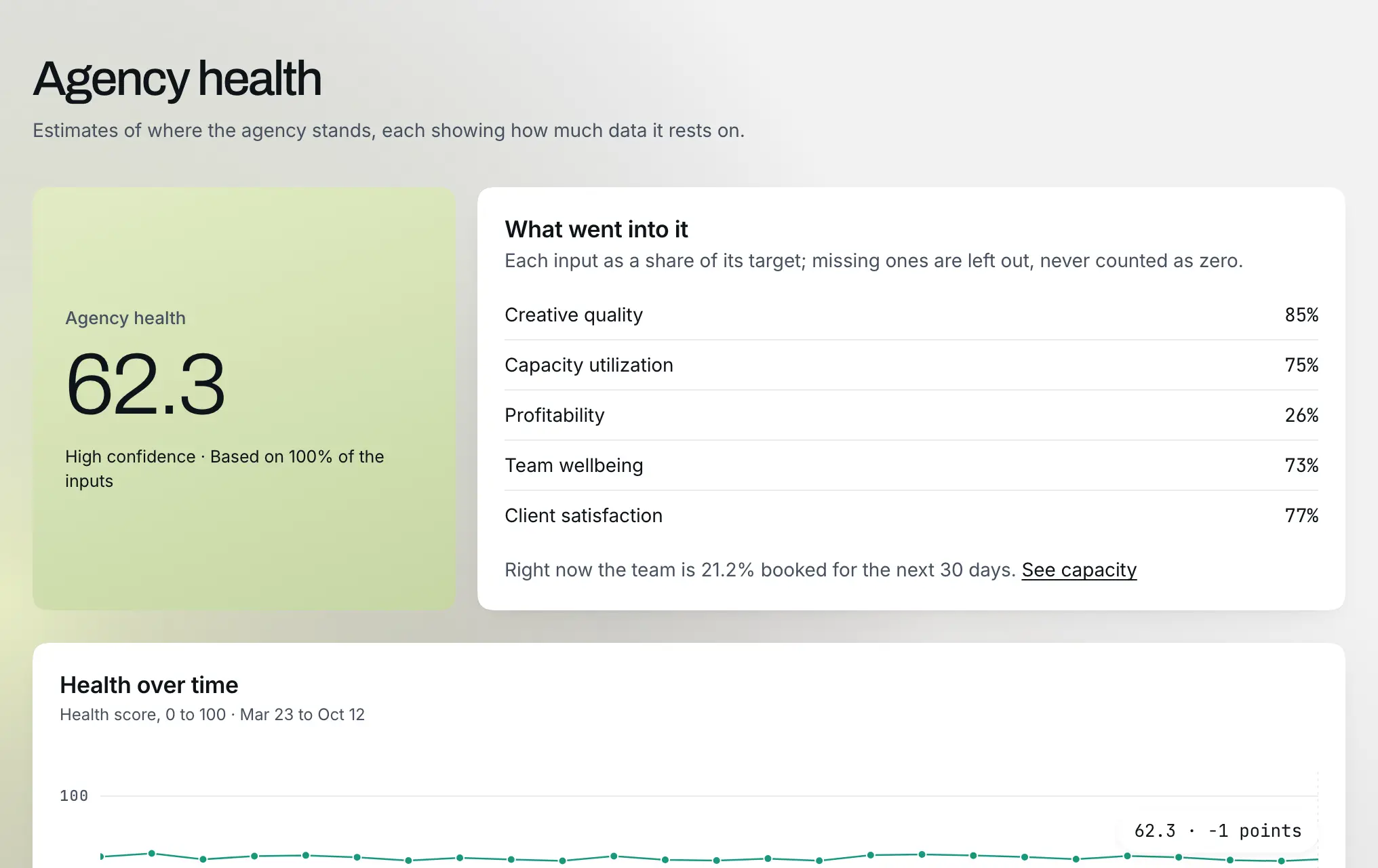
- Step 04
Decide while it is still a decision
Cap the remaining work or re-price it with the client. The project page gives you the arithmetic; the flag made sure you saw it in time, without anyone keeping a spreadsheet honest.

